





L&B Rewards
How to use L&B Rewards
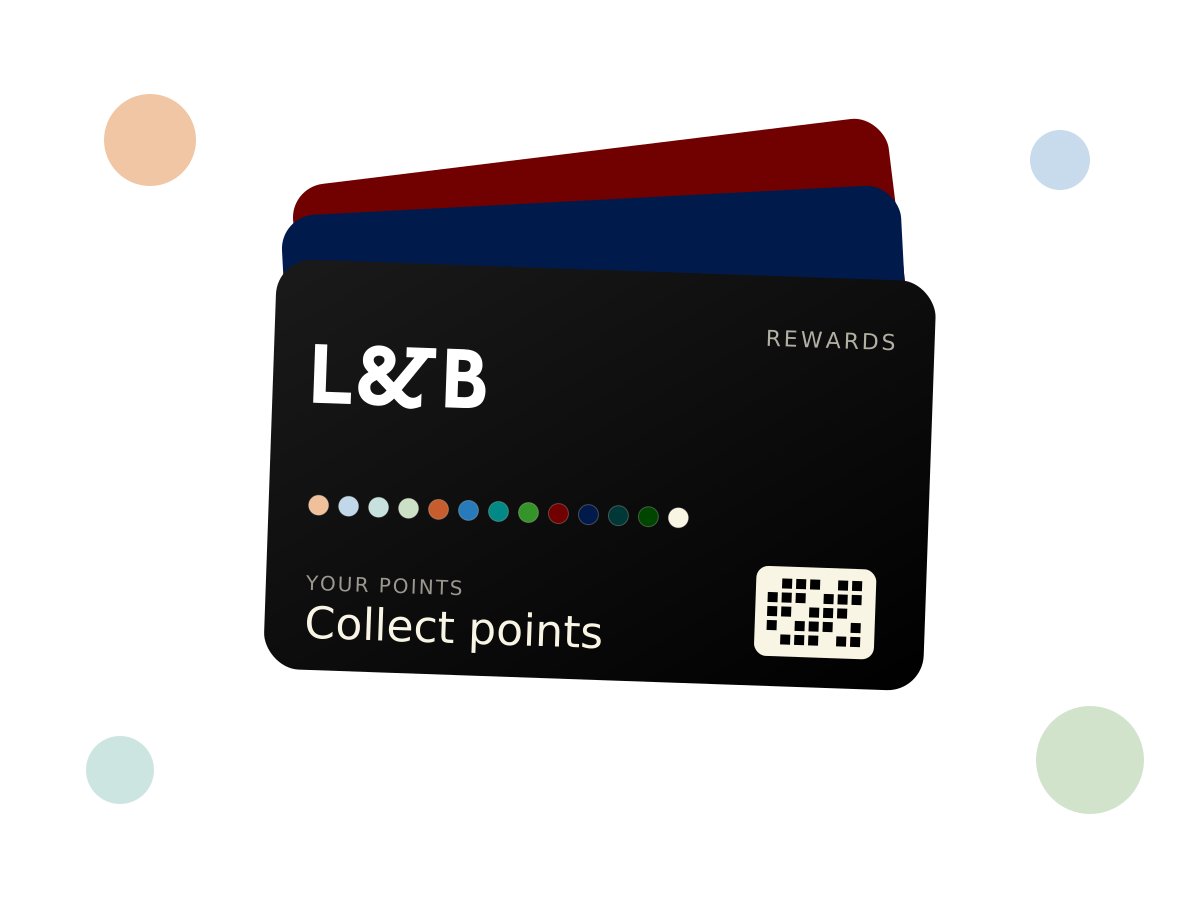
L&B Rewards is our free loyalty card. Every time you eat, drink or stay at any L&B venue in Folkestone and Sandgate, you could be earning points. It lives in your phone’s wallet, it works at all of our venues, and it only takes a minute to set up.
How to join
- Tap Join L&B Rewards.
- Fill in the sign-up form. It’s free.
- Once you sign up, you’ll be sent your L&B Rewards card to add to Apple Wallet or Google Wallet.
- That’s it. Your card is in your wallet, ready for your next visit.
Had an account on our old app? Email loyalty@landb-restaurants.co.uk and we can move your points across.
How to collect points
- Visit any L&B venue: eat, drink or stay with us.
- When you pay, open your L&B Rewards card in your wallet and we’ll scan the QR code at the till.
- Your points go on your one account, whichever venue you’re at.
Checking your points
Tap Collect Points in the menu bar at the top of our website and log in to see your balance.
L&B Rewards FAQ
What is L&B Rewards?
L&B Rewards is the loyalty card for L&B Restaurant Group venues in Folkestone and Sandgate, Kent. You collect points when you eat, drink or stay with us.
Where can I use L&B Rewards?
At any L&B venue. It’s one account across all of our venues, not a separate card for each one.
How do I join L&B Rewards?
It’s free. Sign up using the sign-up form. Once you sign up, you’ll be sent your L&B Rewards card to add to Apple Wallet or Google Wallet.
Do I need to download an app?
No separate app is needed. Your card sits in Apple Wallet or Google Wallet, which are already on most phones.
How do I collect points?
When you pay at any L&B venue, show your L&B Rewards card from your phone’s wallet and we’ll scan the QR code at the till.
How do I check my points?
Tap Collect Points in the menu bar on our website and log in to see your points balance.
Does it cost anything to join?
No, L&B Rewards is free to join.
I had points on the old L&B app. Can I keep them?
Yes. Email loyalty@landb-restaurants.co.uk and we can move your points across.
Where are the terms?
[NEED: terms link – none found on the live site's Apps page or sitemap]